
Speakoala Blog
Blog
Read latest product features, solutions, and updates.

AO3 Read Aloud: How to Listen to English Fanfiction With Speakoala
If you want an AO3 read aloud setup for English fanfiction, here is how Speakoala turns long fics, series, and browser reading into a smoother text to speech experience.

How to Read Project Gutenberg Aloud: Listen to English Classics With Speakoala
Looking for a practical way to read Project Gutenberg aloud? Here is how Speakoala helps turn English classics into a smoother text to speech experience in the browser.

Webnovel Read Aloud Tool: How to Listen to English Novels With Speakoala
Looking for a good read aloud tool for Webnovel? Here is how Speakoala helps turn long English novel chapters into a smoother text to speech experience in the browser.
How to Use Text to Speech in Google Docs With Speakoala
If you have been looking for a practical way to use text to speech in Google Docs, this post shows how Speakoala lets you listen to your document in the browser and makes revision, proofreading, and long-document review easier.

Speakoala vs NaturalReader: If You Mainly Read Webpages in Your Browser, This Is the One to Read
If you keep comparing Speakoala and NaturalReader while searching for text to speech, read aloud, or a Chrome extension, this post focuses on the verified differences as of March 15, 2026, with price up front.

A Win for Language Lovers: With 70+ Languages, Speakoala Makes Immersive Learning Easy Anywhere
From listening to the news on your commute to reading foreign websites and shadowing sentences, Speakoala turns real web content into natural text to speech audio that is easier to stick with.

A Better Way to Read the Web: How Speakoala Helps People With Dyslexia With Read Aloud and Text to Speech
For many people with Dyslexia, the hardest part is not understanding the content. It is getting through the page without losing the thread. Here is why Speakoala, a read aloud and text to speech tool, can make it easier to read the web again.
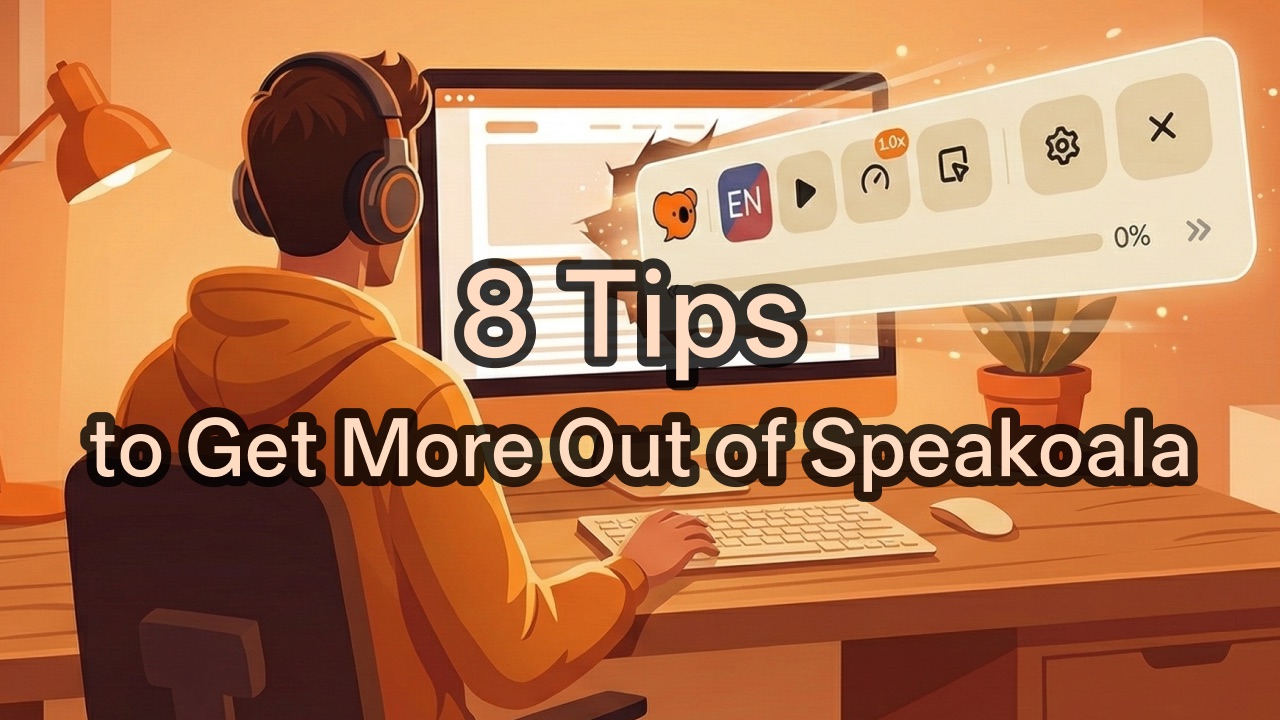
8 Speakoala Tips That Make Text to Speech Easier to Use
From toolbar layout and speed control to ambient sound, shortcuts, and local document support, here are 8 practical Speakoala tips for a smoother text to speech experience.
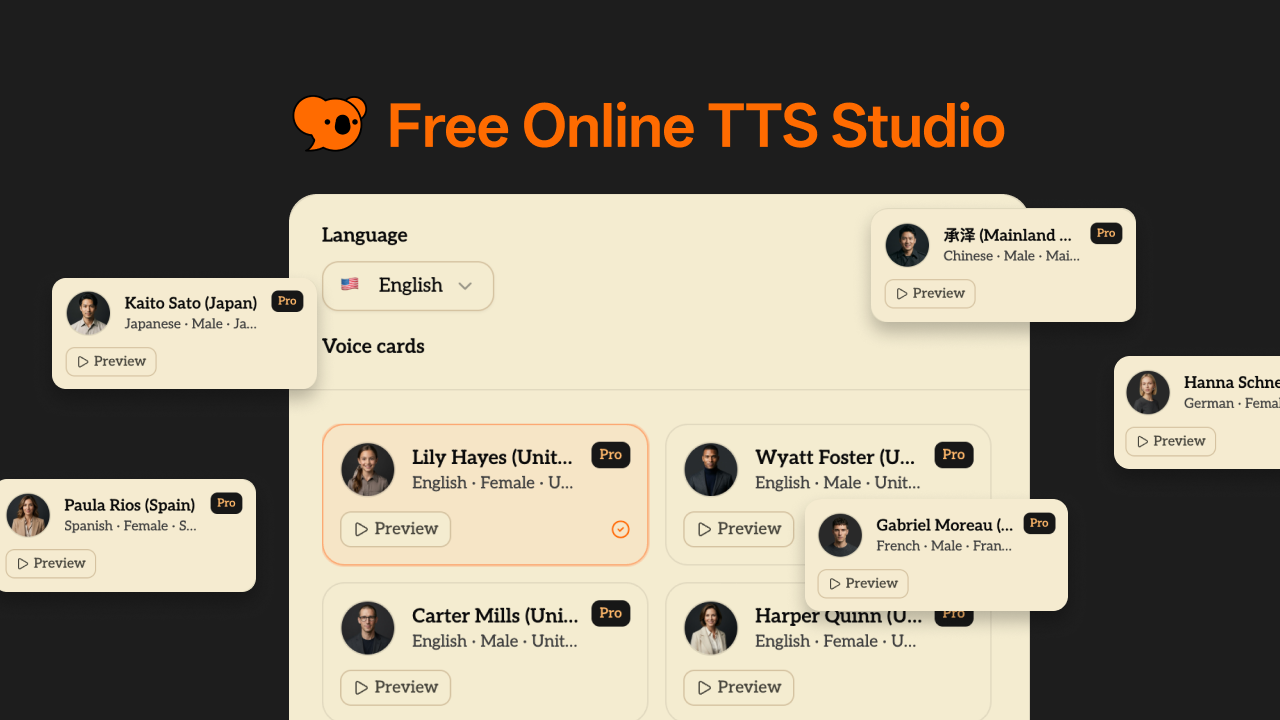
Speakoala Online TTS (Text to Speech) Is Live: Free Daily Use Without Login!
Speakoala Online TTS is now live. Supports multiple languages and voices for study, work, and creation. Use it free every day without login, while Pro/Max users get unlimited usage.
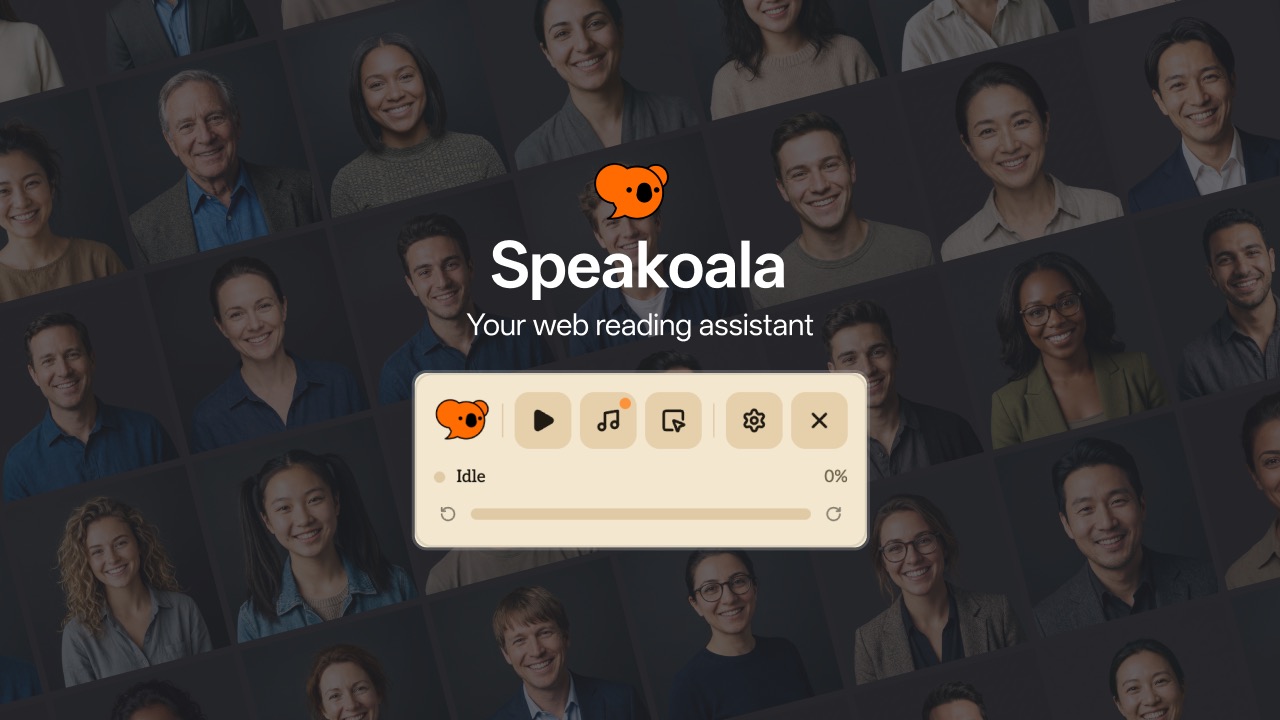
Speakoala Browser Extension Is Live: Text to Speech for Real Browsing
The Speakoala browser extension is now live. Use text to speech and natural TTS voices to read websites and local documents with area selection, selected text playback, and one-click controls.